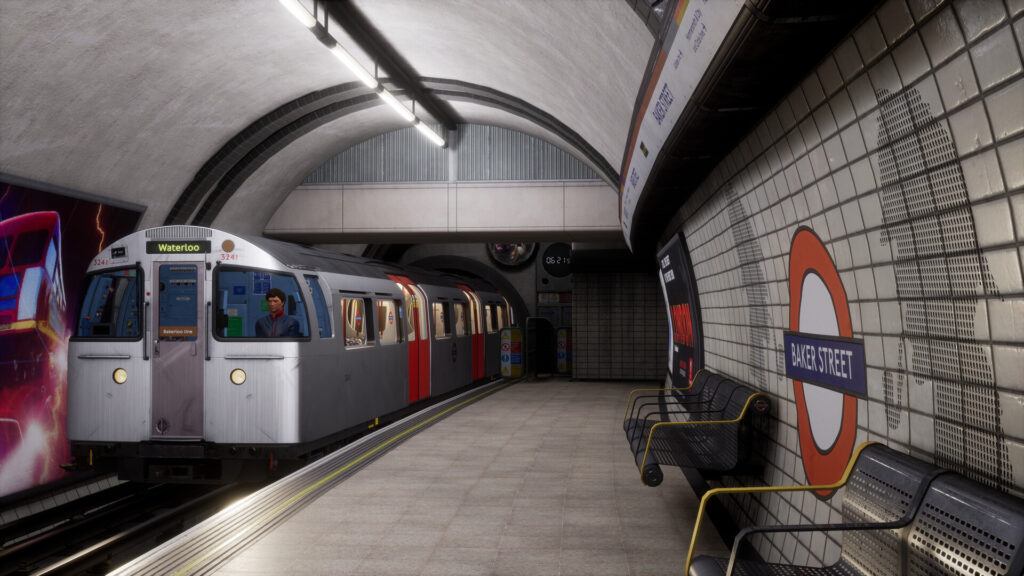




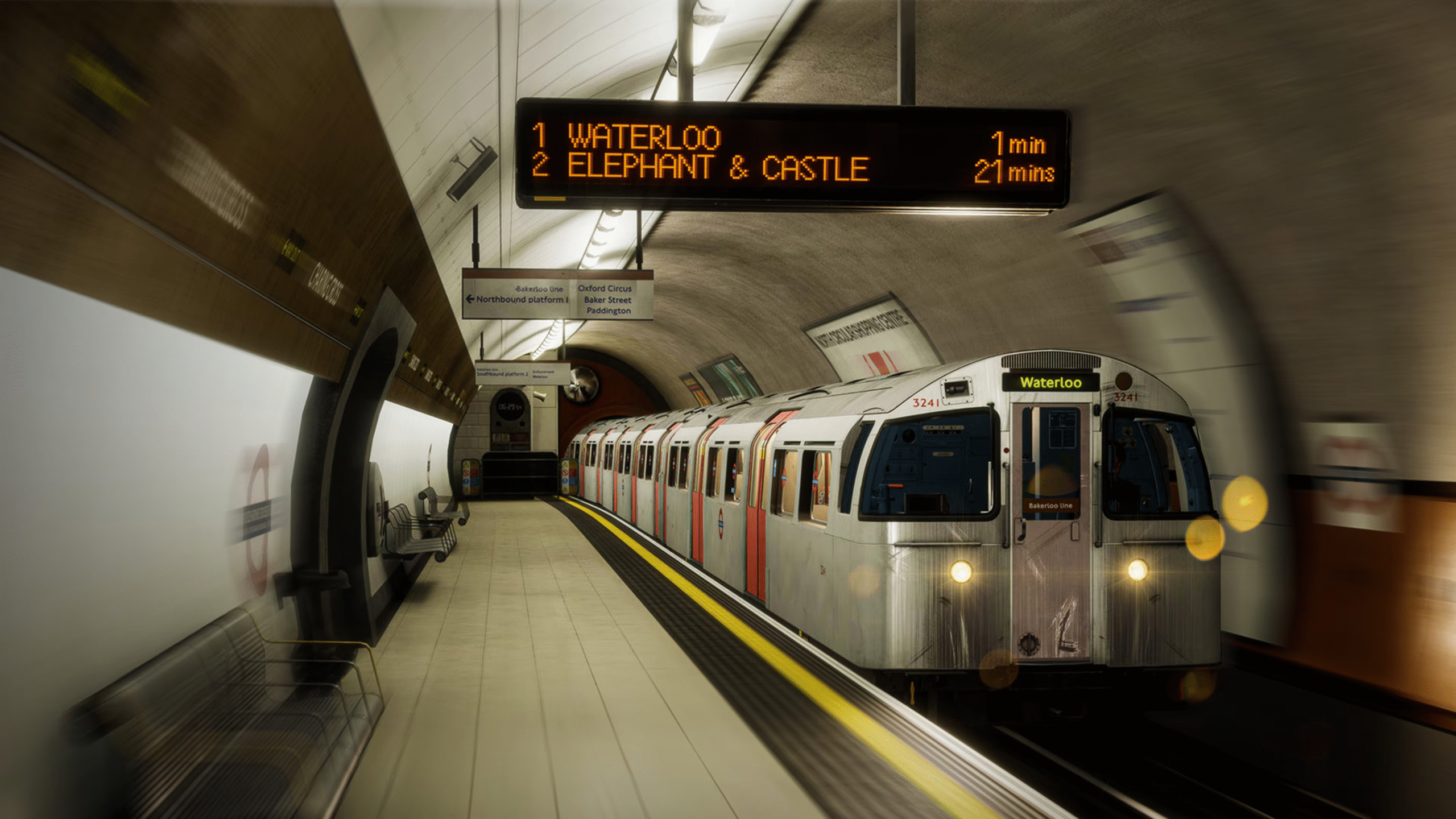
The 1972 Mk2 Tube Stock is available in the Train Sim World series as a detailed, authentic add-on for use on the London Underground’s Bakerloo Line route.
This classic rolling stock is compatible with Train Sim World 4 and Train Sim World 5, as well as earlier versions of the game.
Key Information
- Content Type: It is a paid add-on, typically found in digital stores under the name Silver 1972 Stock Add-On.
- Required Base Game: To utilize this add-on, players must own a base version of Train Sim World (TSW 2, TSW 3, TSW 4, or TSW 5) and the core Bakerloo Line route. A portion of the Bakerloo line is also available within the West Coast Main Line route in Train Sim World 5, on which the stock can also be driven.
- Livery: The add-on features the train in its original, authentic brushed aluminum and red livery, celebrating its history.
- Scenarios: The package includes three detailed scenarios on the Bakerloo Line, plus additional railtour services. It is fully compatible with the game’s Scenario Planner and Creators Club features.
- Authenticity: The add-on is designed for high realism, featuring true-to-life performance, handling, and a detailed driving cab that requires specific operational procedures to run.
Operation Basics in the Game
To get the train moving in the simulator, players must follow specific start-up procedures within the cab:
Ensure all cab windows and passenger doors are properly closed, as safety interlocks will prevent the train from moving otherwise.
Insert and turn the Control Key to the ON position.
Insert the Direction Selector Key.
Set the Direction Key to INTER (Interlock) first.
Move the Traction Brake Control handle to EMERGENCY, then immediately move it to OFF AND RELEASE.
Press the Audible Warning Valve Reset button to silence the air release sound.
Move the Traction Brake handle to RHEO 1 HOLD.
Set the Direction Selector to FORWARD.